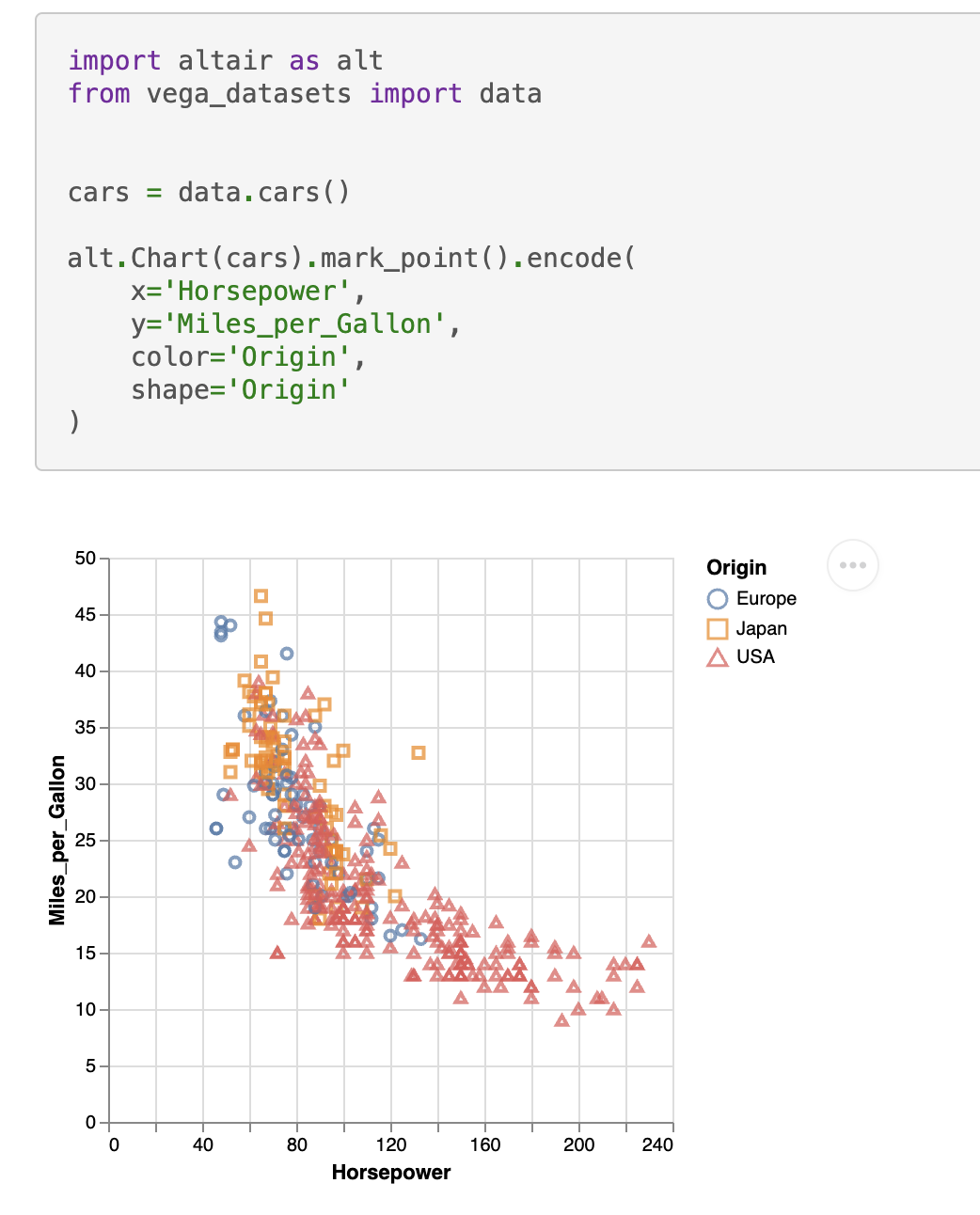
sphinxext-altair provides the directive altair-plot to insert live-rendered Vega-Altair plots within your Sphinx documentation:
.. altair-plot::
    import altair as alt
    from vega_datasets import data


    cars = data.cars()

    alt.Chart(cars).mark_point().encode(
        x='Horsepower',
        y='Miles_per_Gallon',
        color='Origin',
        shape='Origin'
    )
You can enable the extension by adding it to your conf.py:
extensions = [
    ...
    "sphinxext_altair.altairplot",
    ...
]
You can find all available options in the docstring of sphinxext_altair/altairplot.py. For more examples on how to use this extension, see the test Sphinx documentation in tests/roots/test-altairplot or the official Vega-Altair documentation.
You can install the extension with:
pip install sphinxext-altairIt's recommended to use uv for development:
uv sync --locked --extra devsphinxext-altair uses ruff for code formatting and linting rules, mypy for static type checking, and pytest for testing.
All of these tools can be executed by running:
uv run hatch testAs part of those tests, a Sphinx documentation is built at tests/roots/test-altairplot. You can manually build this documentation and view it which is very useful during development of a new feature.
For example, if you want to add a new option to the altair-plot directive, you can add another example in the file tests/roots/test-altairplot/index.rst and then build and view the documentation by running:
uv run hatch run doc:clean-build-html
uv run hatch run doc:serve
The test documentation can now be viewed at http://localhost:8000.